Set the beginning. Guide the ending.
Give MiniMax H3 an opening image and a closing image, then describe the movement between them. Choose 5, 10 or 15 seconds in landscape or portrait.
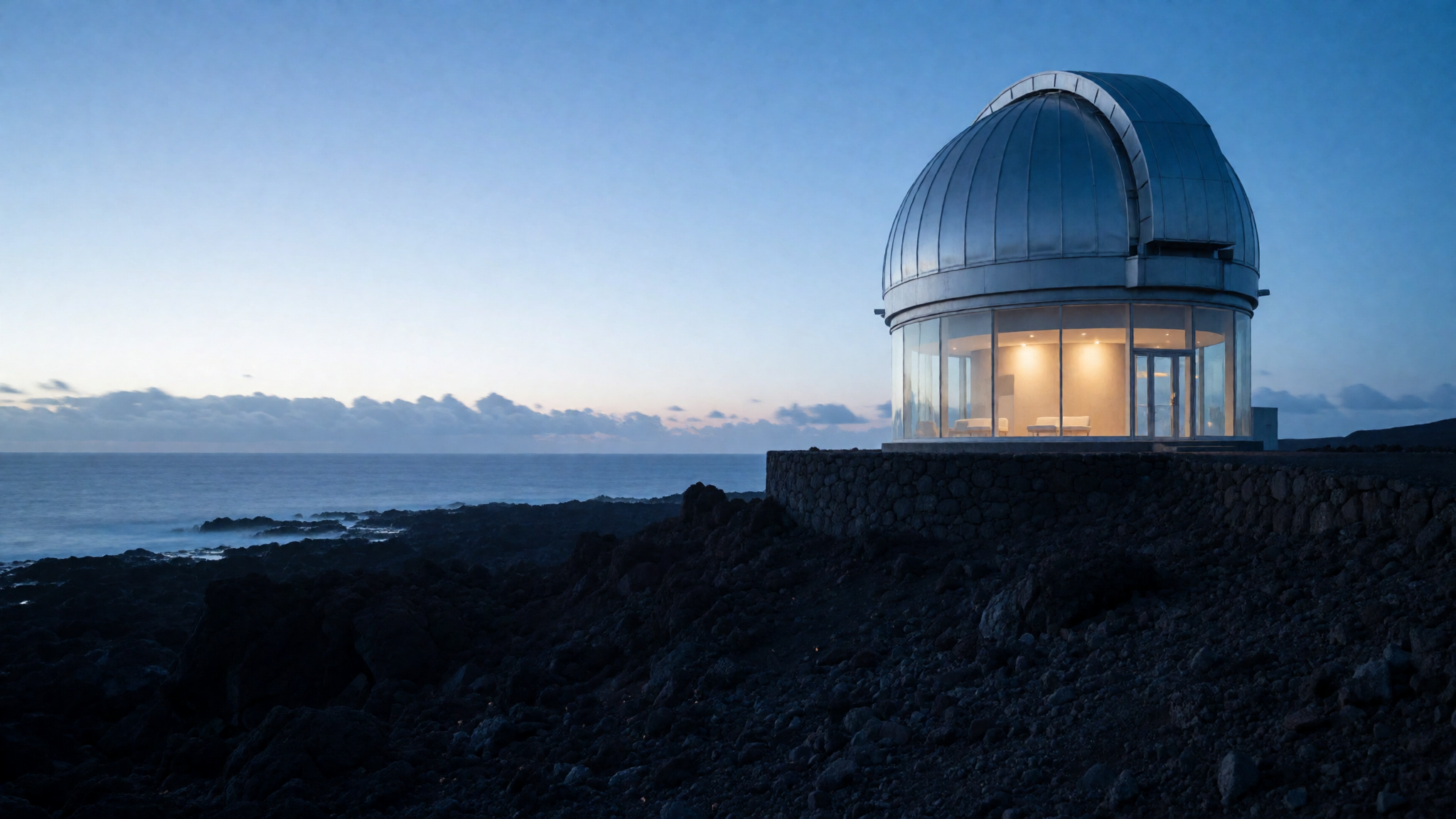
How to create it
Choose First + last
Open Create, select Video, then First + last under Input.
Add both frames
Upload the opening and closing images. Keep their subject, framing and lighting compatible, and describe a plausible transition.
Choose and review the output
Set duration, orientation, Sound and quality. Review the credit cost, generate, then check the beginning, middle and end before downloading.
Make the transition achievable
Start with modest differences between the frames: a small camera shift or a subject that has moved a short distance. More time does not guarantee that a large change in pose or scene will remain consistent.
Prompt idea
The camera slowly arcs around the subject toward the ending composition. One continuous shot, gentle movement, steady lighting.
A suggested starting point, not the prompt used for the sample above.
What to expect
- Frames condition the generation; this is not deterministic interpolation or a guarantee of pixel-exact endpoints.
- Large changes in identity, geometry or viewpoint can introduce morphing and discontinuities. Check the whole clip, not just its endpoints.
- The sample demonstrates a same-image pair. It is not evidence that unrelated images will produce a clean transition.